
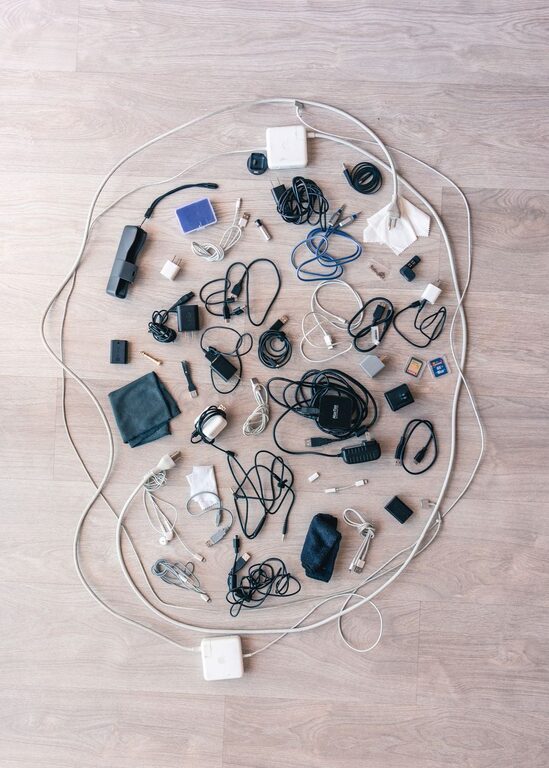
How to Organize Cables and Chargers Neatly: Easy Tips for a Tidy Space
Keeping cables and chargers organized can feel like a never-ending task. Between smartphones, laptops, tablets, and other electronic devices, cords tend to multiply and create clutter quickly. A tidy space not only looks better but also helps you find what you need faster and can even extend the life of your cables. In this post, we’ll walk you through practical methods to neatly organize your cables and chargers — whether at your desk, in your living room, or on the go.
Why Organize Cables and Chargers?
Before diving into solutions, it helps to understand the benefits of organizing cables:
– Reduces clutter: A clean space feels calmer and more inviting.
– Avoids damage: Tangled cables can fray or break over time.
– Saves time: Quickly locate the right charger or cable when needed.
– Enhances safety: Prevents tripping hazards and electrical issues.
– Improves aesthetics: Neat cables create a polished look.
Now, let’s explore some effective ways to manage your cables and chargers.
Assess Your Cable and Charger Collection
Start by taking stock of what you have:
- **Gather all cables and chargers:** Collect them from around your home or workspace.
- **Sort by type and usage:** Group cables by device type (USB, Lightning, HDMI, etc.) or frequency of use.
- **Discard old or broken cables:** Recycle damaged or obsolete cords to avoid clutter.
Having this overview will help you decide how to store and organize them better.
Simple Tips for Daily Cable Organization
1. Use Cable Ties or Velcro Straps
Wrapping cables loosely and securing them with reusable cable ties or Velcro straps prevents tangles and keeps them compact. This method works great for charging cables, headphone wires, and power cords.
– Avoid wrapping cables too tightly to protect the internal wires.
– Label the ties if you want to identify cables quickly.
2. Designate a Charging Station
Setting up a dedicated charging area helps keep all your chargers and cables in one place.
– Use a power strip or multi-port USB charger.
– Place the station on a desk, nightstand, or kitchen counter.
– Keep cables organized with clips or holders to avoid mess.
3. Use Cable Clips or Holders
Cable clips can attach to desks, walls, or furniture edges, preventing cables from slipping to the floor or getting tangled.
– Ideal for frequently used charging cables.
– Helps keep cables accessible and neat.
4. Store Chargers in a Box or Drawer Organizer
For chargers you don’t use daily, store them in a labeled box or organizer with compartments.
– Choose boxes with dividers or use small containers.
– Wrap cables neatly before storing.
– Clear containers let you see contents without opening.
Advanced Cable Management Solutions
If you want a longer-term or more polished setup, try these options:
1. Cable Management Boxes
These boxes hide power strips and excess cable length. Your devices plug into the power strip inside the box, which keeps everything out of sight.
– Reduces visible clutter.
– Protects cables from dust and pets.
– Available in various sizes and designs.
2. Cable Sleeves and Tubes
Cable sleeves group multiple cables into one neat bundle. This method is especially useful for desktop setups with many cords.
– Sleeves are flexible and usually made of fabric or neoprene.
– They protect cables and improve the look of your workspace.
3. Under-Desk Cable Trays
Mounting trays or baskets under your desk keeps cables off the floor and organized.
– Frees up floor space.
– Keeps cables accessible but out of sight.
– Ideal for computer and monitor cables.
4. Label Your Cables
Labels can be simple tags, stickers, or color-coded markers. Labeling helps you identify which cable belongs to which device quickly.
– Use printable labels or write on masking tape.
– Useful for cords stored in boxes or sleeves.
Portable Cable Organization
If you travel frequently, organizing cables on the go is important.
– Use a cable organizer case or pouch with compartments.
– Wind cables with Velcro straps or twist ties.
– Pack chargers and adapters together to avoid losing parts.
Maintenance Tips for Long-Lasting Organization
Keeping cables neat is an ongoing process. Here are some habits to maintain your system:
– Regularly declutter cables you no longer use.
– Re-wrap and secure cables after each use.
– Check for wear and replace damaged cables promptly.
– Keep your charging station tidy by unplugging unused devices.
Final Thoughts
Organizing cables and chargers is an easy way to improve your space and reduce frustration. Whether you start with simple cable ties or invest in cable trays and boxes, the key is consistency. With a little effort, you can enjoy a clutter-free, efficient environment where every cable has its place.
Give these tips a try and experience the difference a neatly organized cable setup can make!
